
Set everything up · Lesson 13 of 28 · 3 min
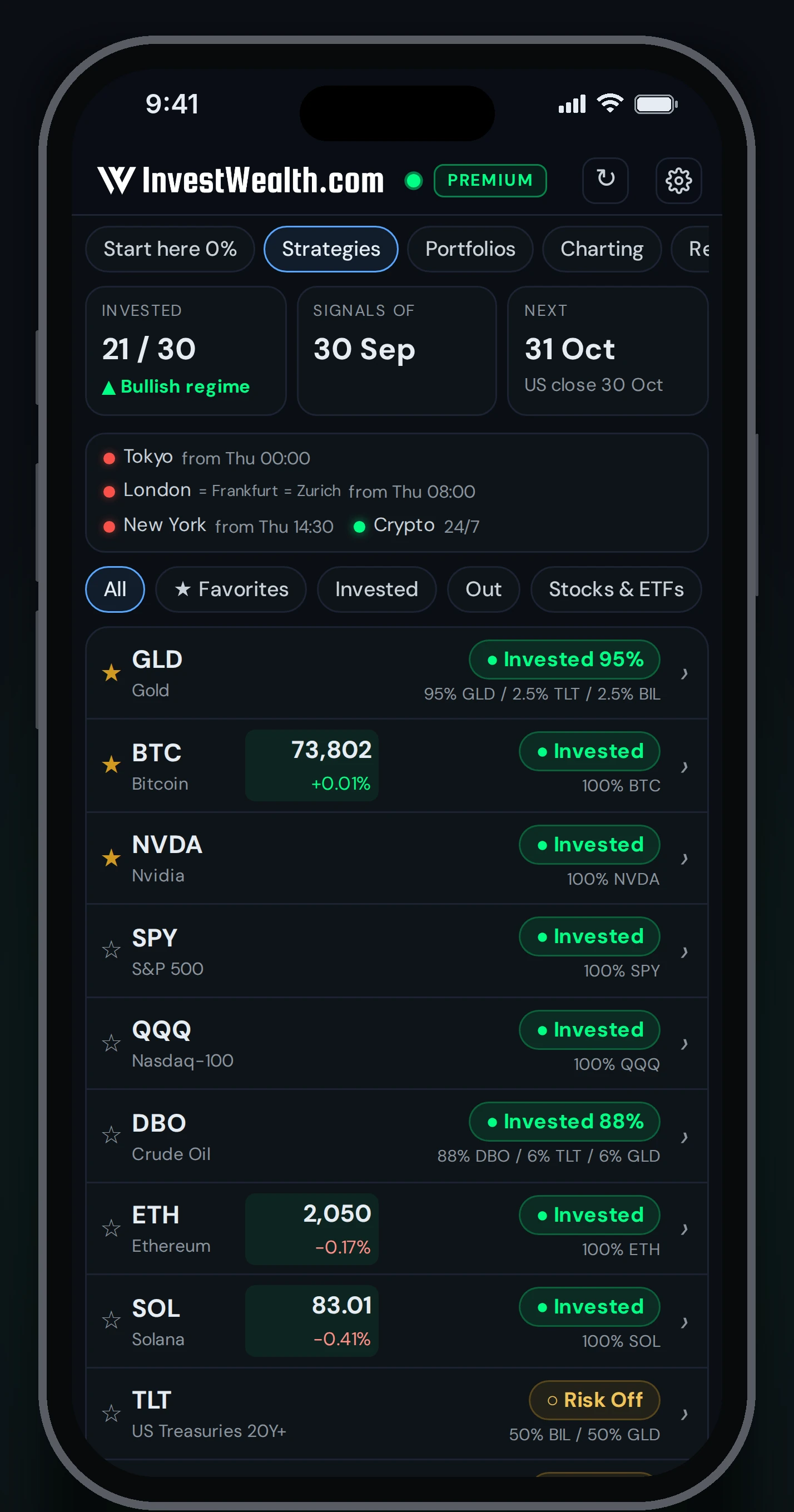
Using the Signals app

The app mirrors the Research Terminal, made shorter for the phone. The same sections, in the same order, behind one tab row.
Open your free accountFollow along in your own Research Terminal: 6 core markets, strategy vs buy & hold. Your progress is saved.
Free · no card
You also get our research emails: a short update after each month-end, plus occasional research and offers. Unsubscribe anytime with one click.
🔒 This lesson is part of Plus and PremiumPlus members get the full lesson: what you see, how to read it, how to use it in your routine, with screenshots and a direct link into the Terminal.
Already a member? Log in
Educational research, not investment advice. Backtested results are hypothetical.